System
Linux Process Manager
(lin-processmanager)
See everything your Linux system is doing, in one window.
Maintenance Local · offline-first
How to install: Download the repository and launch it directly with the included run script, or use the installer. It needs no special privileges and runs fully offline.
Overview
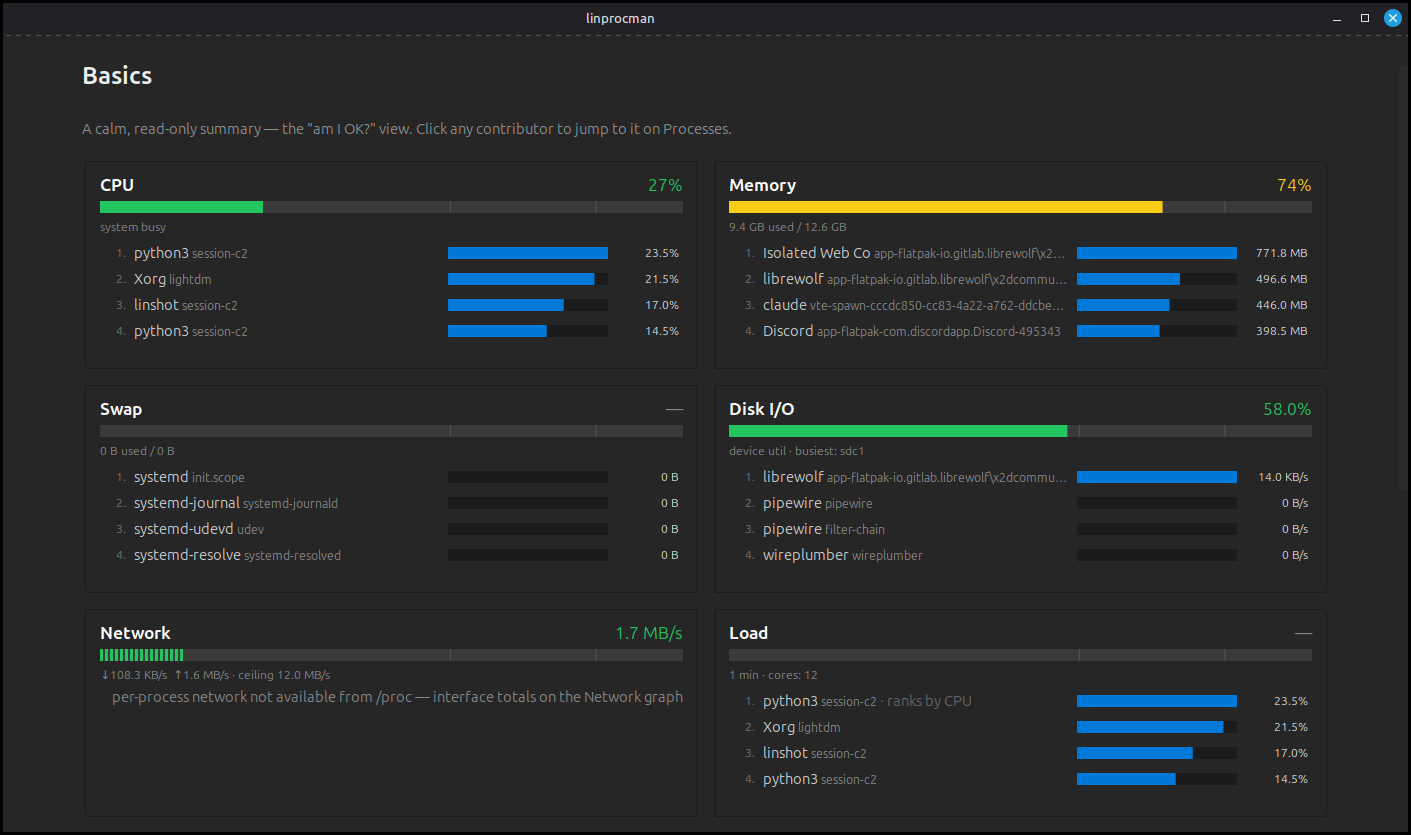
LinProcessManager is a desktop process manager and system monitor for Linux that brings your running programs, resource usage, and system logs together in a single, easy-to-read window. Watch live activity, stop or reprioritize programs with confidence, and dig into what is using your CPU, memory, disks, and network. It runs entirely offline and never needs administrator rights.
Platform: Linux desktop
Features
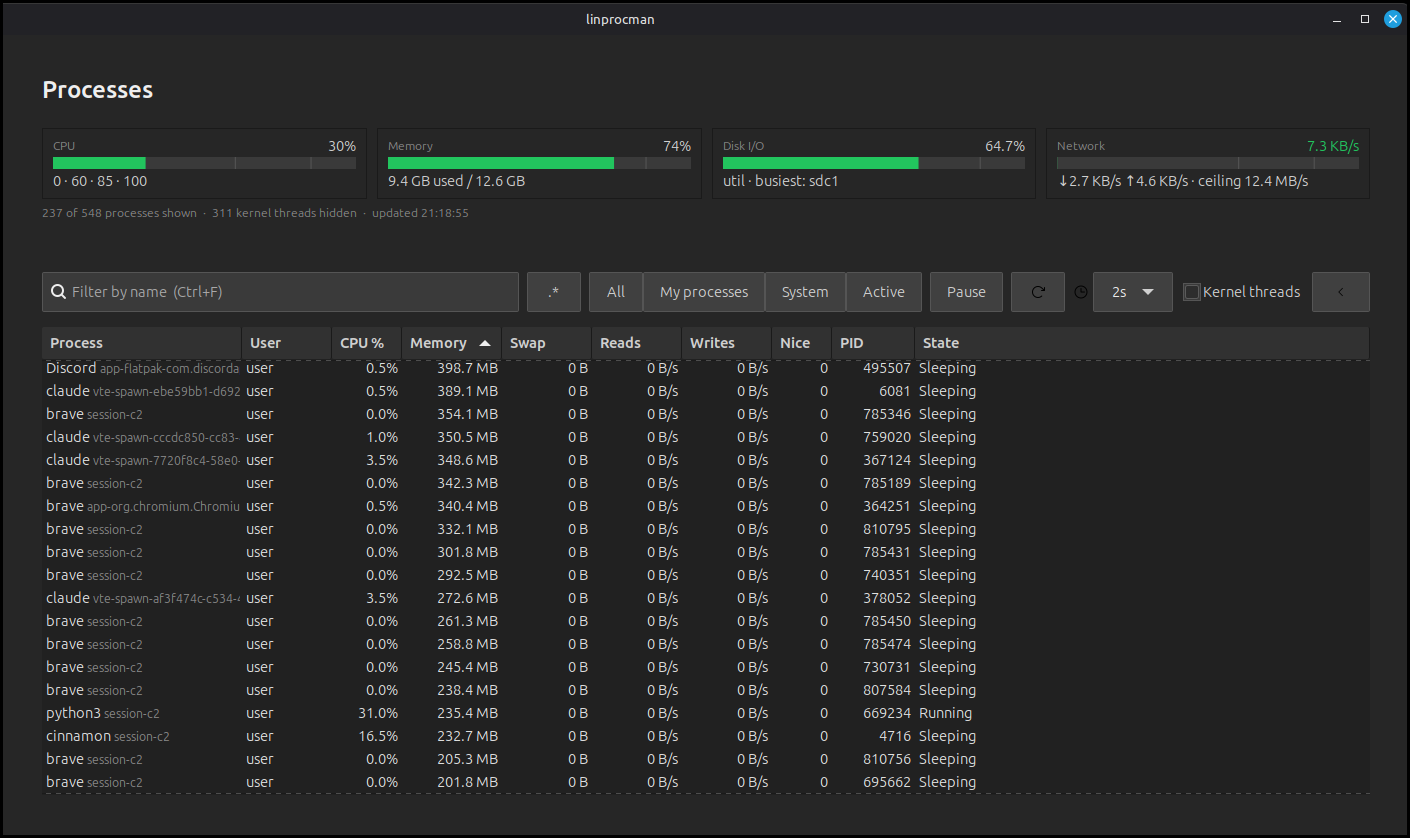
Live, continuously updating table of every running process
Rich, sortable columns for CPU, memory, disk, and network use
Search and filter by name, your own programs, or hide background tasks
Stop, resume, end, or reprioritize programs, with confirmed results
End a program together with everything it started
Visual dashboards for CPU, memory, swap, disk, network, and load
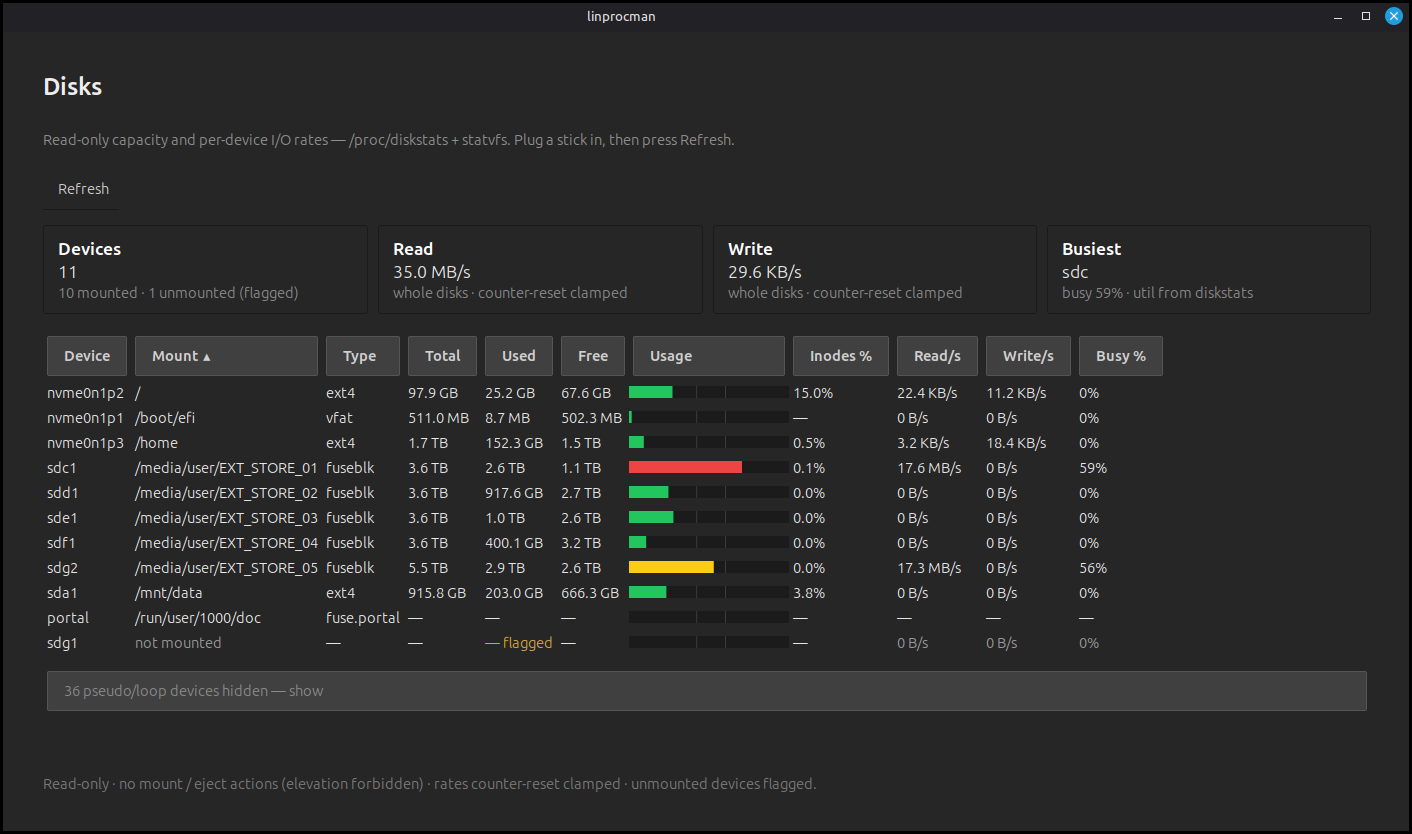
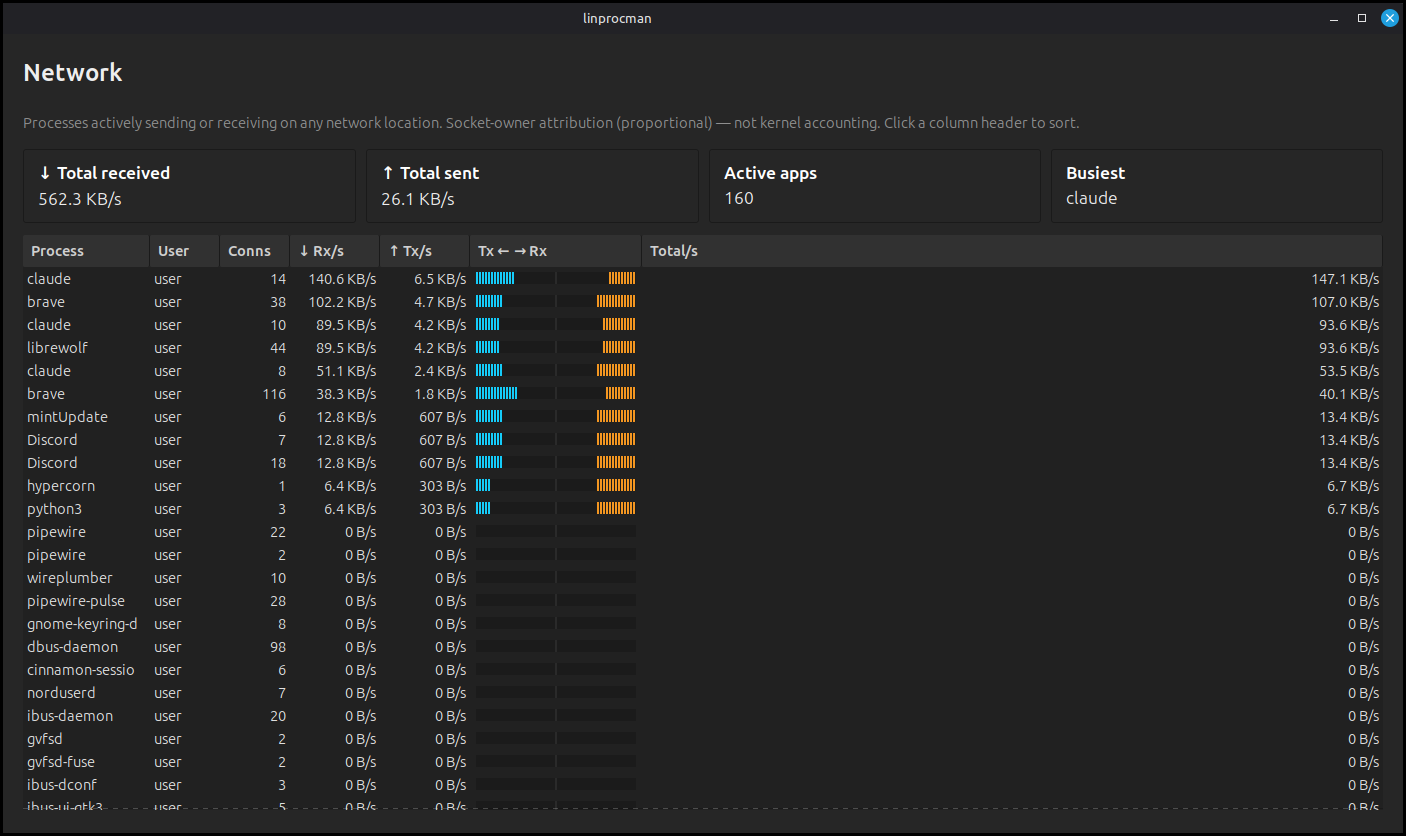
Per-disk capacity and per-app network activity at a glance
Built-in system log viewer with filtering and severity coloring
What you can do
1Shows all running programs live and lets you inspect any one in detail.
2Lets you pause, stop, or change the priority of programs and confirms the outcome.
3Charts system resource use over recent history so you can spot what is straining the machine.
4Browses the system log with search and filtering to help track down problems.
A closer look
Get Linux Process Manager
Download comes straight from the project's source on GitHub — nothing is hosted here.
Download